Create fleets to group related Vehicles together
Managing Fleets requires an Owner Account or a Standard Account with a
Group Managerrole
¶ Add New Fleet
A label for the Fleet.
Required Field
¶ Add New Subfleet
To add a new Subfleet to an existing Fleet, click the Fleet's Add Subfleet button:

A label for the Subfleet.
Required Field
¶ Update Existing Fleet or Subfleet
A label for the Fleet or Subfleet.
Required Field
Pick a color to identify the Fleet or Subfleet on the Realtime Map:
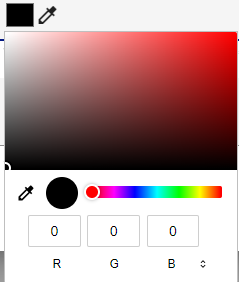
Assign Vehicles to the Fleet or Subfleet:
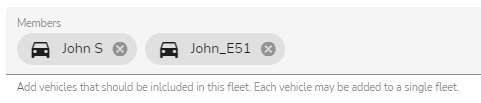
A Vehicle can only be assigned to one Fleet or Subfleet at any given time.
¶ Delete Fleet or Subfleet
Deleting a Fleet or Subfleet frees up any Vehicles that were assigned to that Fleet or Subfleet, and allows you to re-assign those Vehicles to a different Fleet or Subfleet.
Deleting a Fleet or Subfleet that has Subfleets assigned to it, will result in those Subfleets becoming listed as Fleets.
If you also want to delete a Fleet's Subfleets, you must delete those Subfleets explicitly.